Lynis, one of open-source's most powerful security auditing tools, is a great tool for securing Linux VPS. Lynis can be used to perform a thorough security audit on any Linux server or web server. It will scan system configurations, file access permissions, firewall rules, authentication policies, and malware risks. Lynis is a must-have tool for any Linux administrator, whether they're running a production server, a cloud-based personal environment, or managing a private cloud.
This guide explains how to install Lynis and perform a comprehensive security audit. You'll also learn to interpret the results and implement its hardening recommendations to improve your server security posture.
What Is Lynis?
Lynis, an open-source tool for security auditing on Unix- and Linux-based platforms, is designed to be used by anyone. It provides an in-depth evaluation of your VPS, along with a security score and actionable recommendations. It is used widely for server hardening and compliance audits.
How to Install Lynis on Your Linux VPS
Before performing any security audits on your Linux VPS, installing Lynis is required. Installation is quick and easy because the tool comes pre-installed in many major Linux distributions. Here are the steps to install popular operating systems.
Install Lynis on Ubuntu / Debian
Update your system to APT and install Lynis:
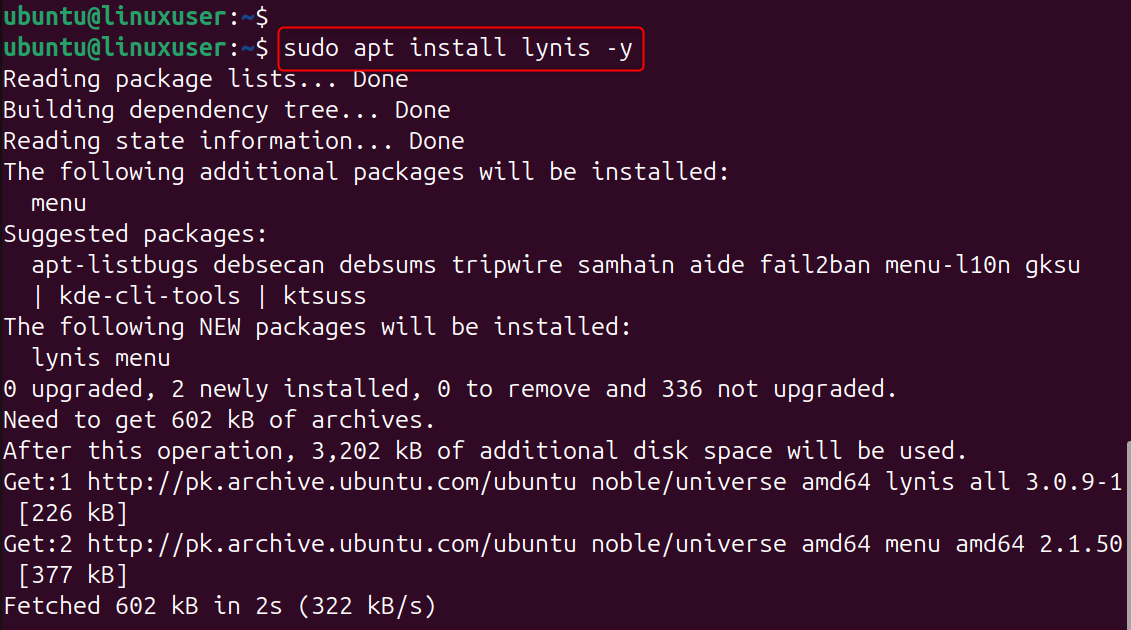
This command will update your package list and install Lynis directly from the official Ubuntu/Debian repositories. Lynis can be used to perform audits immediately after installation.
Install Lynis on CentOS / RHEL / AlmaLinux / Rocky Linux
Install Lynis and enable EPEL
EPEL contains packages that are not available in the default CentOS/RHEL repositories. Lynis is one of these. You can now install Lynis using Yum.
Install Lynis Using Git (For Latest Version)
You can download the latest version of any software by clicking on this link:
This method will pull the latest development version from GitHub. This is ideal for advanced users who need to know about the latest features before they are available in official repositories.
Verify the Installation
Ensure Lynis is installed correctly:

If it prints a version, the tool is installed and ready to perform a security audit on your Linux VPS.
How to Use Lynis to Audit Your Linux VPS Security
Lynis is a simple and effective way to ensure that your Linux VPS server is protected against the latest cyber threats. Lynis can audit hundreds of security controls in a matter of seconds, identify vulnerable configurations, and provide actionable recommendations for strengthening your system. By auditing Lynis reports regularly, applying its suggestions for hardening, and scheduling automatic scans, your VPS will remain secure, optimized, compliant, and compliant with best practices.
Step 1: Install Lynis on Your Linux VPS
Install the Lynis package first before performing any security audit. On Ubuntu/Debian
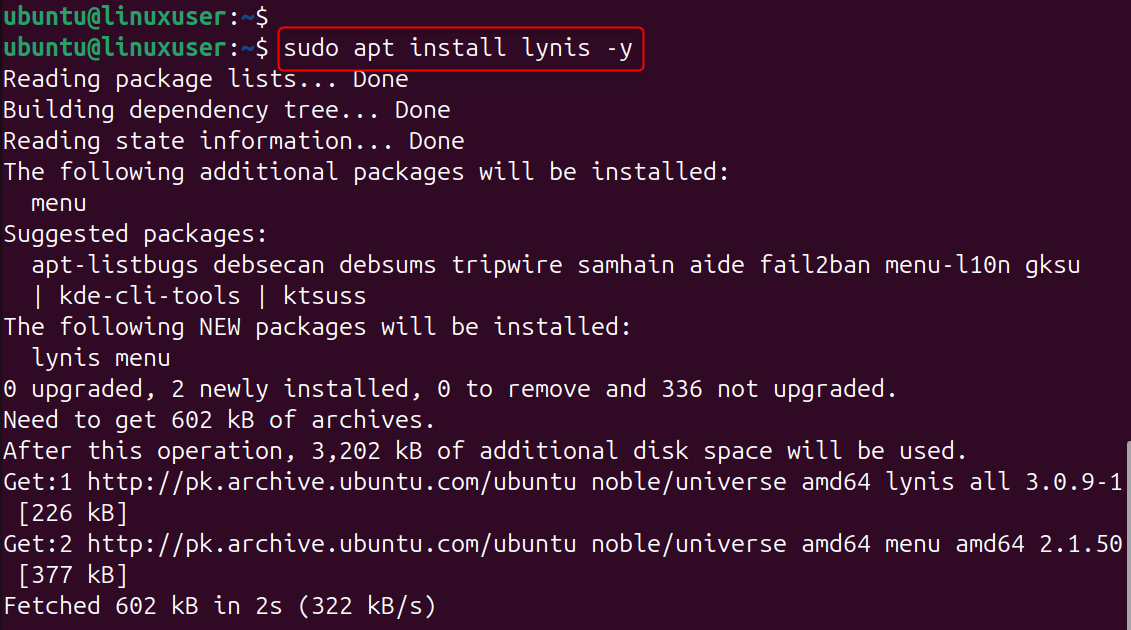
Install the official Lynis Package from your Linux distribution repository. The tool is ready to use and does not require any complex configuration.
Step 2: Run a Basic Security Audit
Start by performing a general audit of the system to verify its integrity and check basic security indicators.
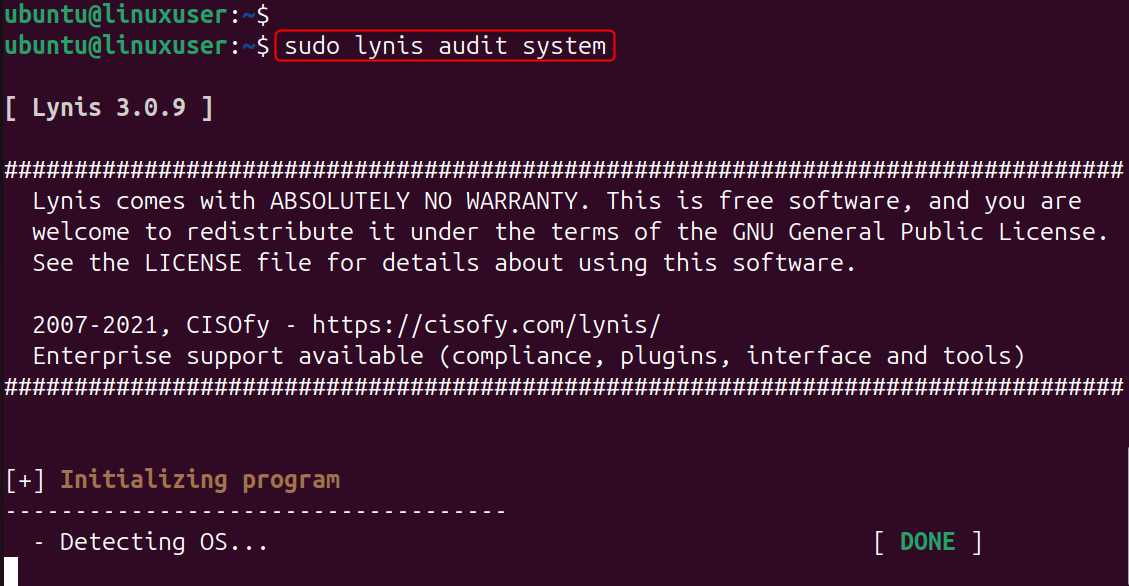
This command will launch a system scan that checks hundreds of security controls.
Lynis analyzes the kernel settings, installed programs, user permissions, and firewall rules to generate a detailed report.
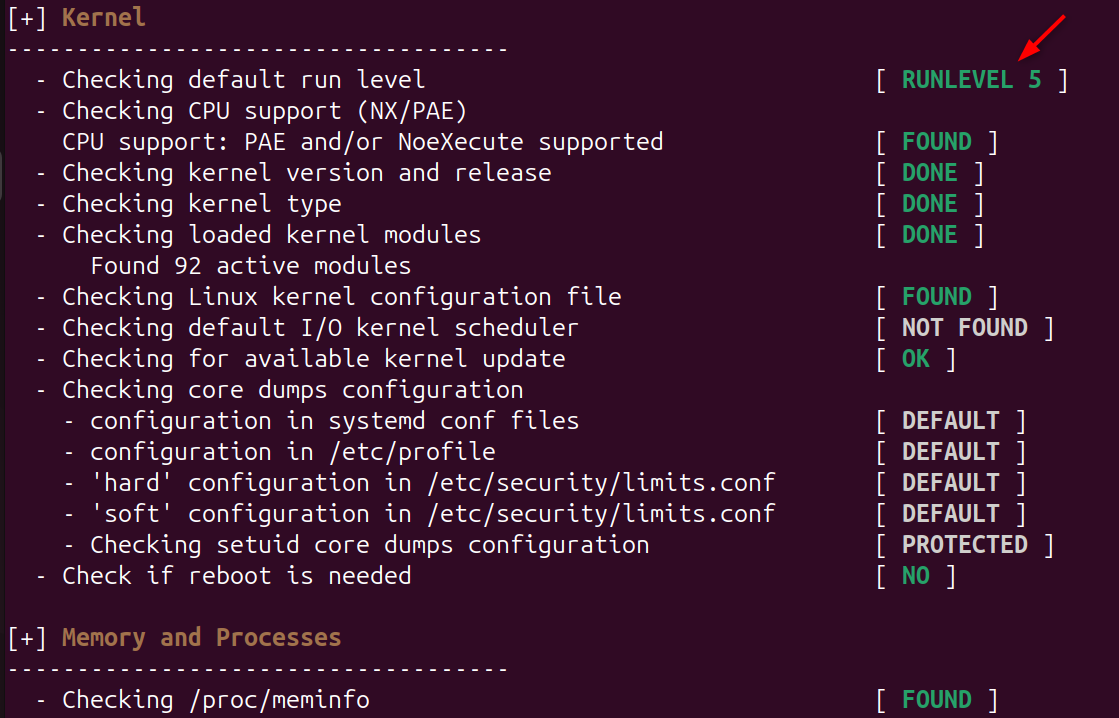
Step 3: Review the Lynis Report
Understanding the weaknesses of your system and recommending steps to strengthen it.
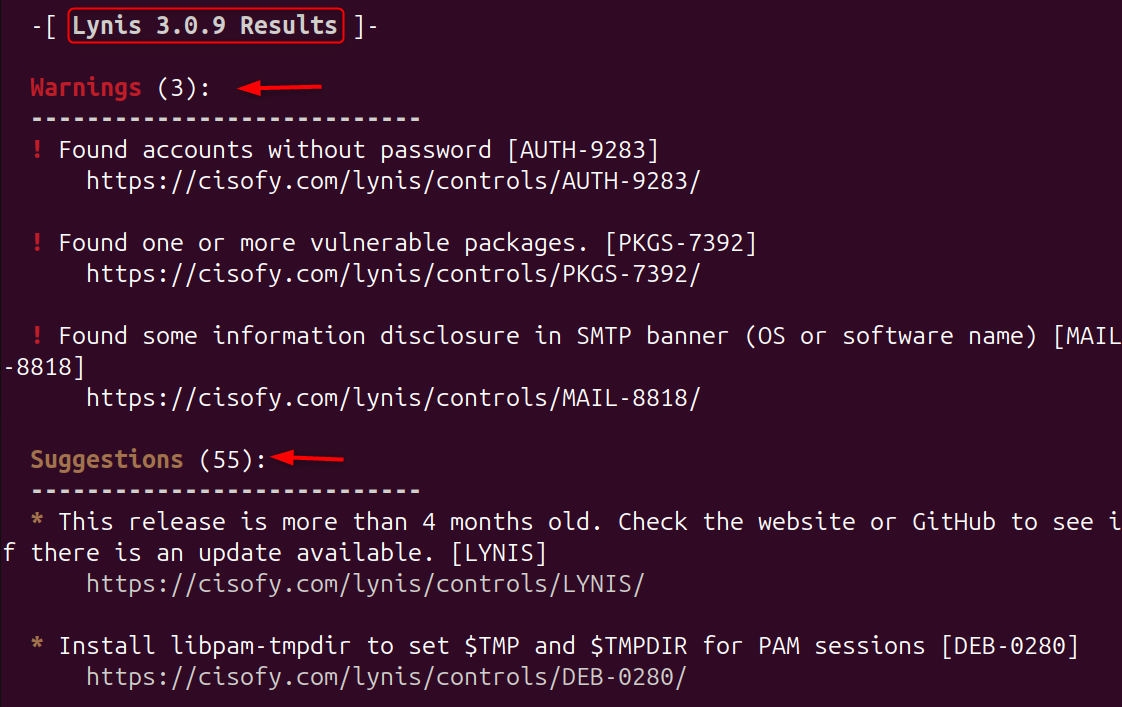
You will find three key sections:
- Warnings: High-risk issues that require immediate attention
- Suggestions: Recommended improvements for better security
- Hardening Index: A score showing the overall security level of your VPS
Lynis has saved the entire report:
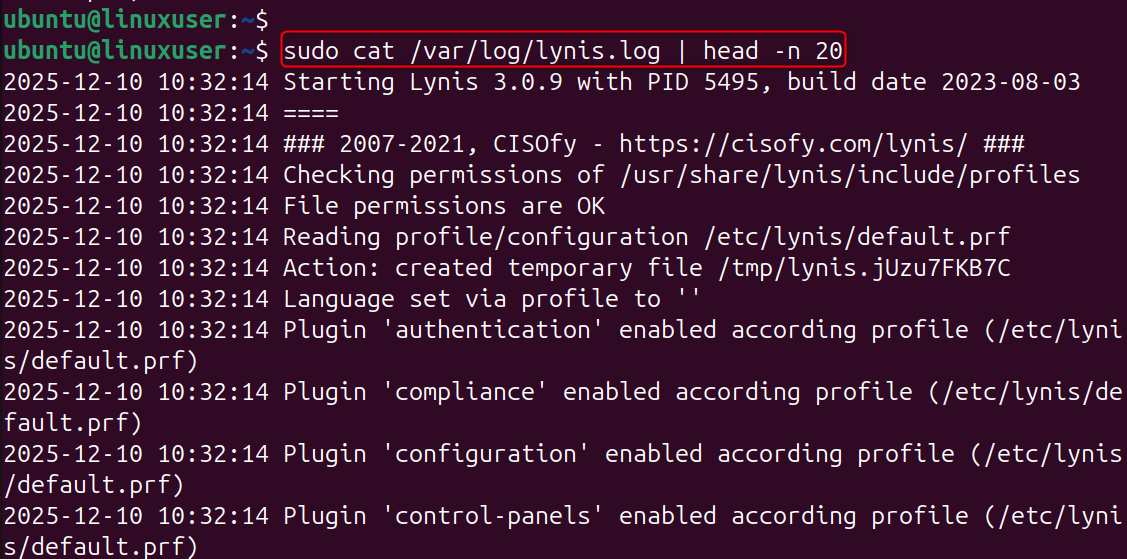
You can find more information about the suggestions made at:
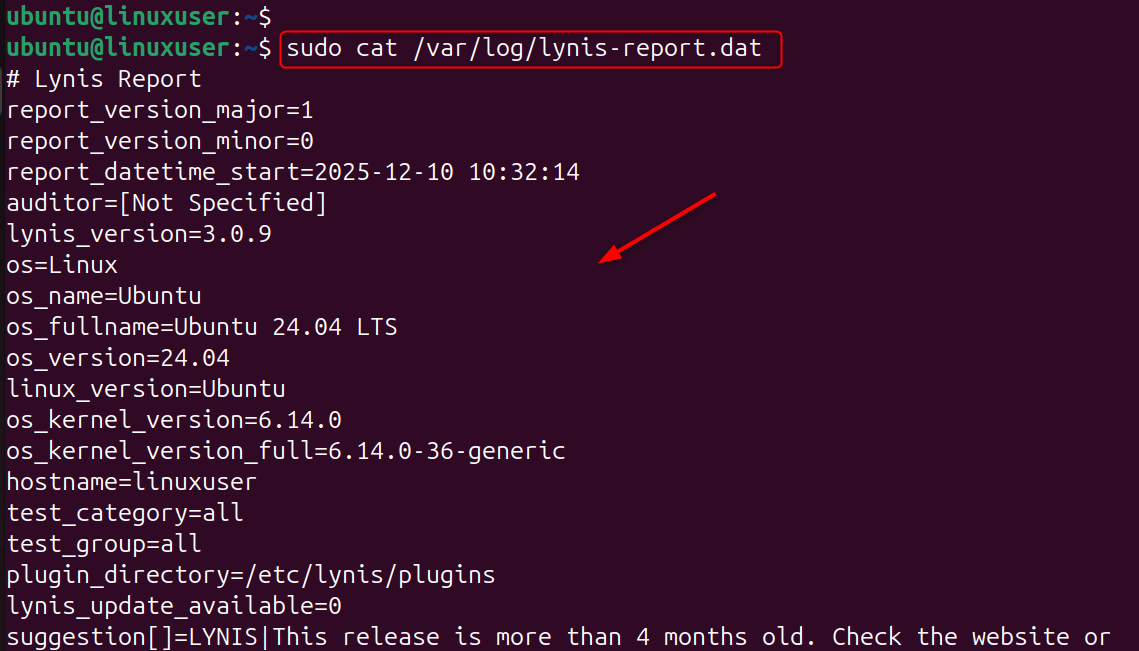
These files will help you track your progress when improving server security.
Step 4: Apply Security Hardening Recommendations
Use Lynis to improve your server. Common hardening steps include:
- Enabling firewalls (UFW, firewalld, or iptables).
- Set password policies and enable fail2ban
- Disabling services and checking file permissions
- Configuring audits to monitor system performance
Lynis’s suggestions are based on best security practices. By applying them, you can improve your VPS's defense against brute force attacks, privilege escalation, or malware intrusion.
Step 5: Run Specific Lynis Tests (Optional)
Focus on specific areas such as authentication, kernel security, or malware checks.
Run network security tests
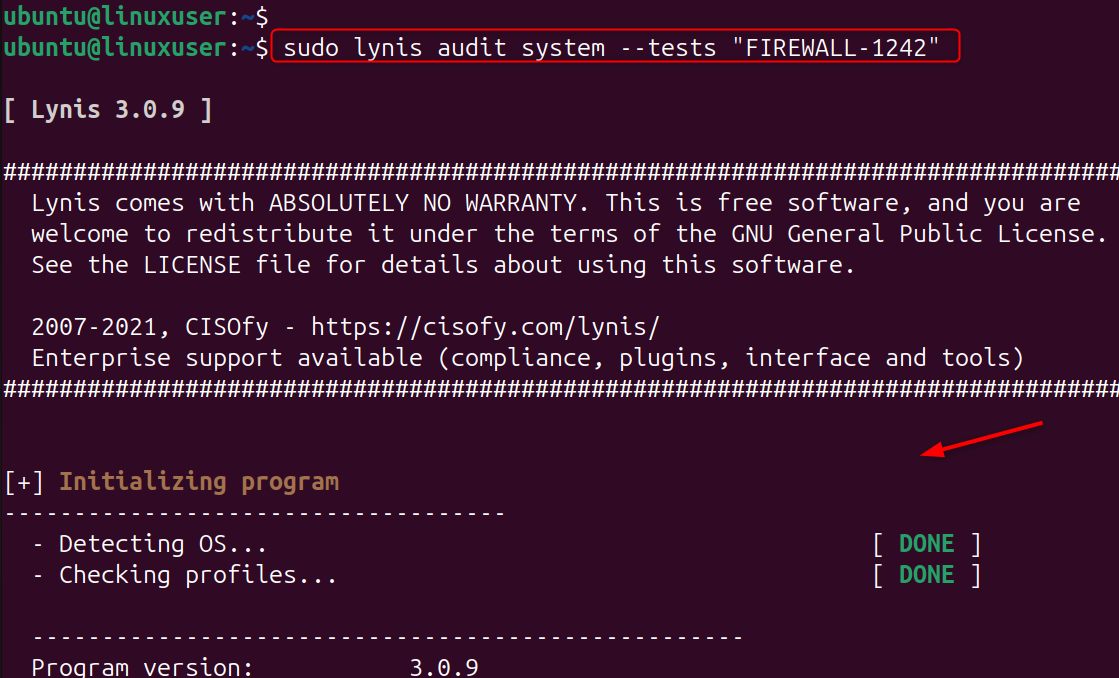
These focused scans can be useful if you need to gain deeper insight into specific security domains, such as SSH security or firewall configuration.
Step 6: Automate Lynis Security Audits
Continuous security monitoring is essential. Using Cron to schedule weekly audits

Add:
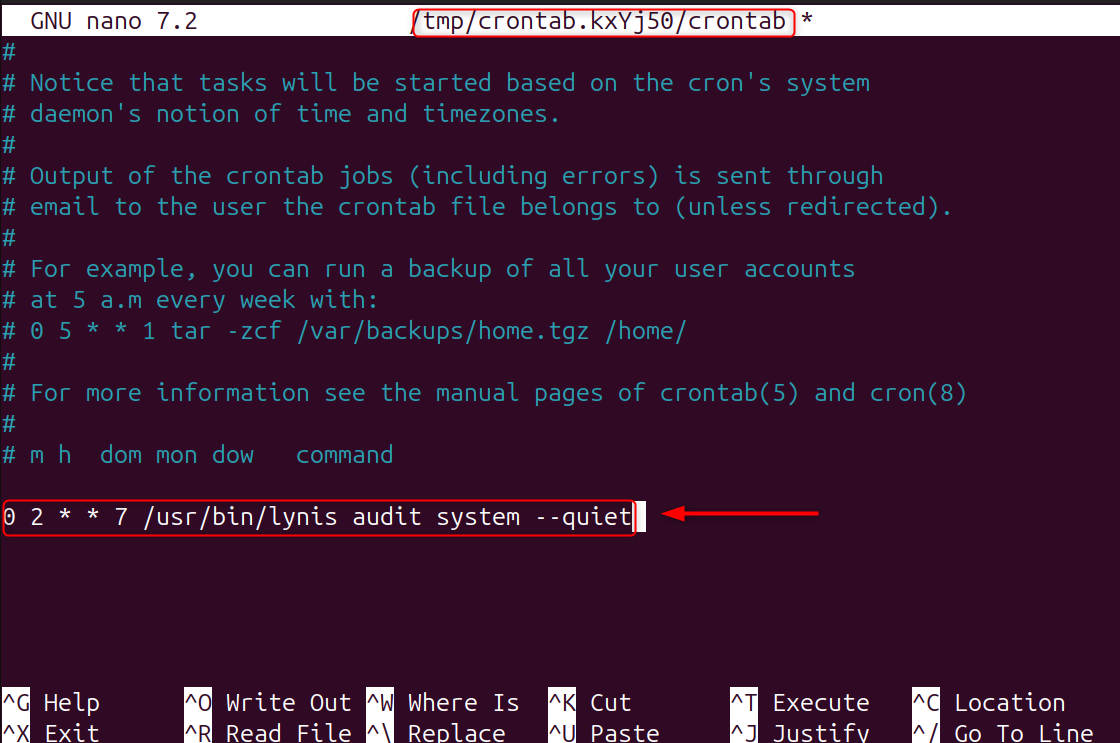
Automating Lynis will ensure that you are able to identify any new vulnerabilities as soon as they occur, whether it is after an update or a configuration change. Security audits are scheduled to improve VPS security over time.
Step 7: Increase Your Lynis Hardening Index
Track progress as you apply improvements. Let’s use:
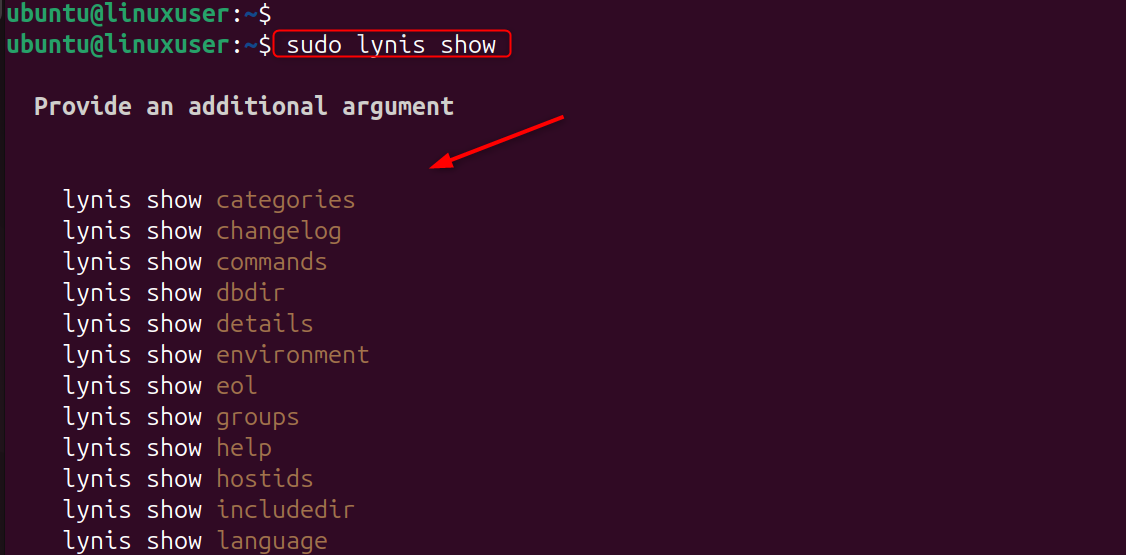
The indicator helps to measure security improvements. It also shows if there is any regression after system updates.
Conclusion
To use Lynis to audit your Linux VPS security, you install the tool from your package manager, run a full audit with the lynis audit system, and review the report that shows warnings, suggestions, and your hardening index. You then apply the recommended security improvements, such as strengthening SSH, enabling firewalls, adjusting permissions, and disabling unnecessary services. By scheduling automated audits and using Lynis’ test groups for deeper scanning, you maintain ongoing VPS security and ensure your server stays hardened against vulnerabilities and attacks.
Consider exploring our Cheap VPS from AlphaVPS for your upcoming project and we will provide you the best solution.
