![How to Install MariaDB on Ubuntu 24.04 VPS [Step-by-Step]](/content/images/size/w2000/2025/10/Artboard-83@4x.png)
MariaDB is open source software that is a replacement for MySQL. Some of the features are ACID compliance, high performance, and scalability. Once installed, users can easily develop and manage databases as well as execute SQL queries. The reason you would install MariaDB on Ubuntu 24.04 VPS is to ensure your system has a secure, stable, and reliable relational database management system (RDBMS) that can manage a huge amount of data for many applications.
This post will show you how to install MariaDB on a Ubuntu 24.04 VPS.
How to Install MariaDB on Ubuntu 24.04 VPS: Step-by-Step
Whatever web application you’re working with: if you need a content management system, an e-commerce platform, or any other software that uses a database, MariaDB can cover it all.
We’ll begin with the more straightforward approach.
Method 1: Through the Ubuntu Default Repository
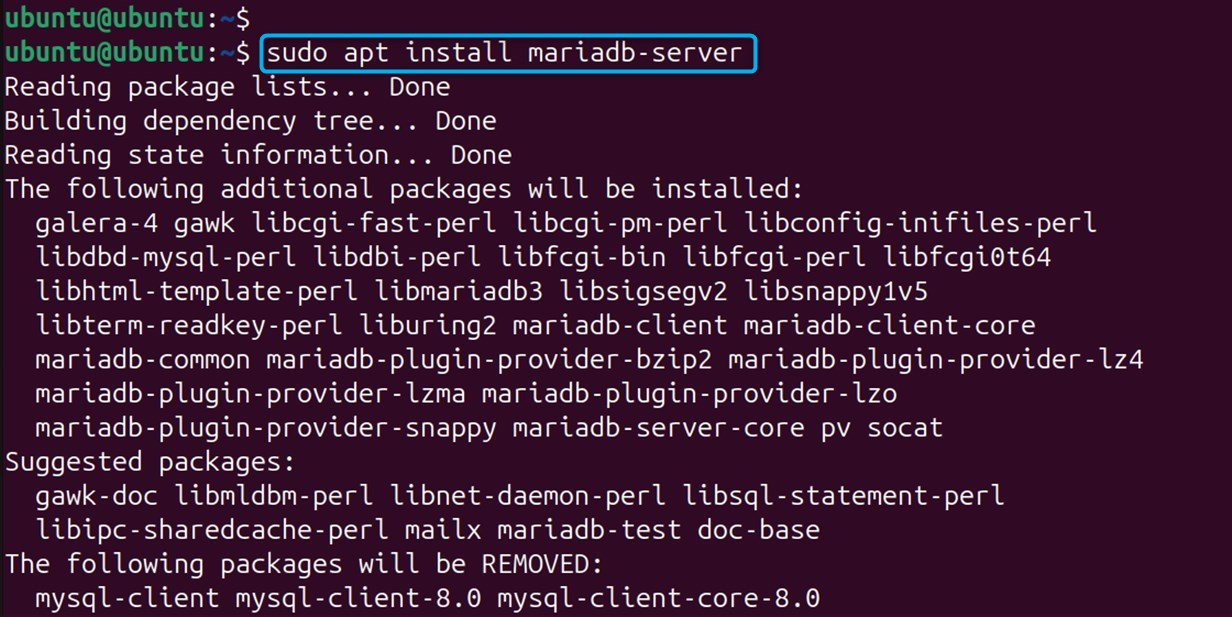
The easiest way to install MariaDB is by using Ubuntu’s default repository. If you want to install MariaDB on an Ubuntu 24.04 VPS, first update your package index, then use the “sudo apt install mariadb-server” command to proceed to install the MariaDB server.
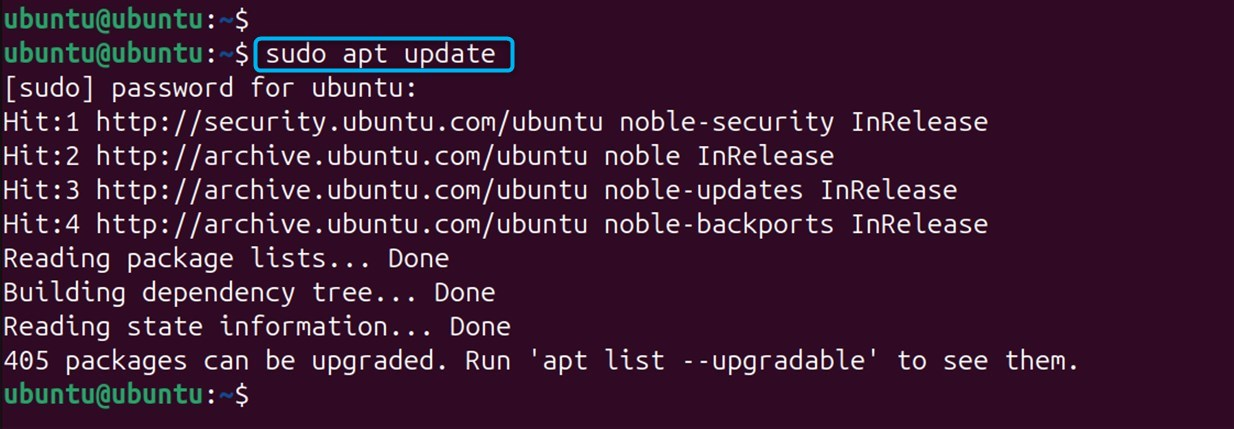
Step 1: Updating the Package Index
In order to use the Ubuntu default repository, users must first update their system repositories to refresh them and update the package index.
Step 2: Install the mariadb-server Package
Now, under a sudo user, install the mariadb-server package using apt.
Step 3: Securing MariaDB Installation
To do this, run the mysql_secure_installation script to restrict who can access the server by setting passwords and so on. The following are some scripts that guide the user through some prompts that determine how secure we wish to make our MariaDB Installation.
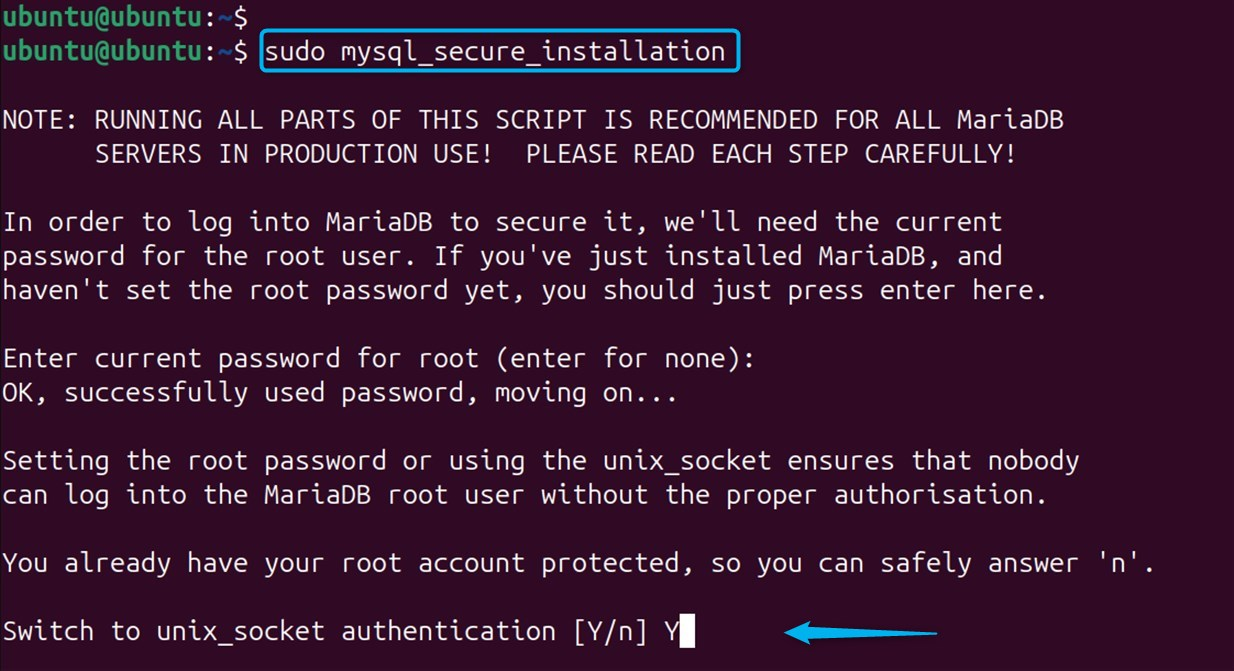
When you run the script, it will ask to provide a password for the current database, which is assigned when given to the root user. If not, users can just hit ENTER for none. Other security choices are also offered to you, as the script will step you through.

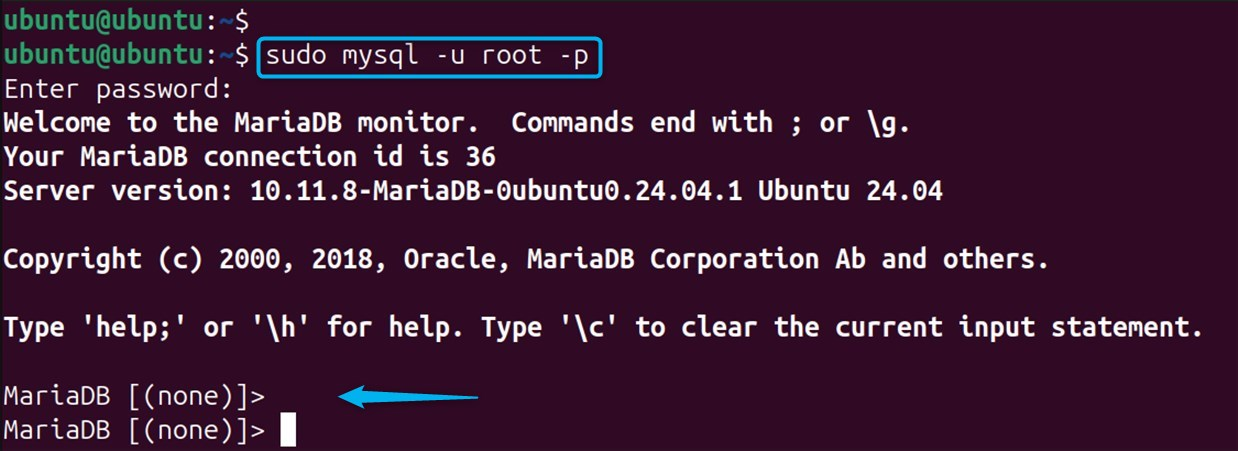
Step 4: Verification of the MariaDB Installation
To verify that this works, you can log into the MariaDB shell as the root user with your password.
Optional: Upgrade MariaDB on Ubuntu 24.04 VPS
To install or upgrade the currently latest MariaDB version in the Ubuntu system, you can follow these steps: updating system packages, adding the MariaDB APT repository, and installing MariaDB11 0 server/ client. Following that, the installation of MariaDB, securing it, and then a check for installation.

Users are also able to upgrade with the ‘mariadb-upgrade’ command. This is taken from method 1.
Method 2: Through the MariaDB Repository
To install the latest version of MariaDB on Ubuntu 24.04 VPS is better to use the official package. To install MariaDB on Ubuntu VPS via the MariaDB repository, do as follows:
Step 1: Update Package list
Make sure you have updated the list of system packages so that you are using the latest version.

Step 2: Install Software Properties
Now users are asked to install the package, which is a required step for extending further repositories.
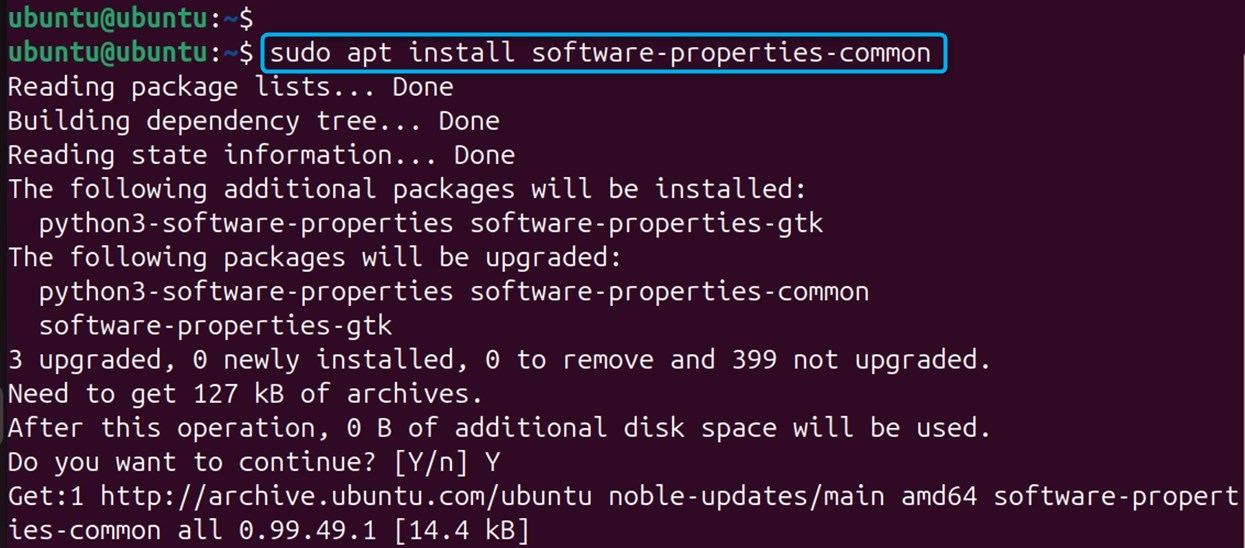
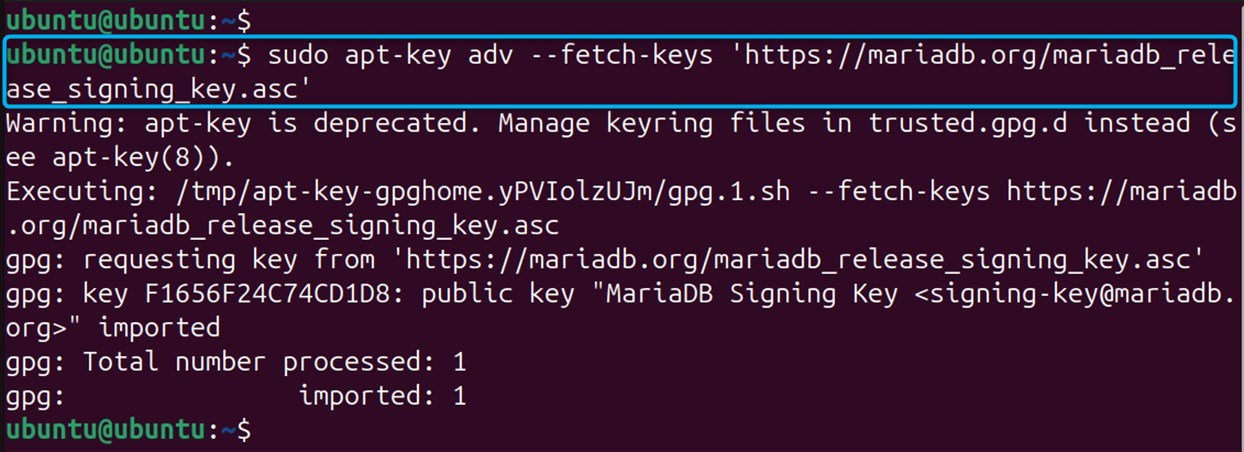
Step 3: Import the MariaDB GPG Key
Type the “apt-key” command to import the GPG Key for MariaDB so that we can be sure that we’re accessing a trusted repository.
Step 4: Add the MariaDB Repository
Now, add the MariaDB repo to the system. Note that you will have to replace “11.2.3” in the above command with the version that you want to install:
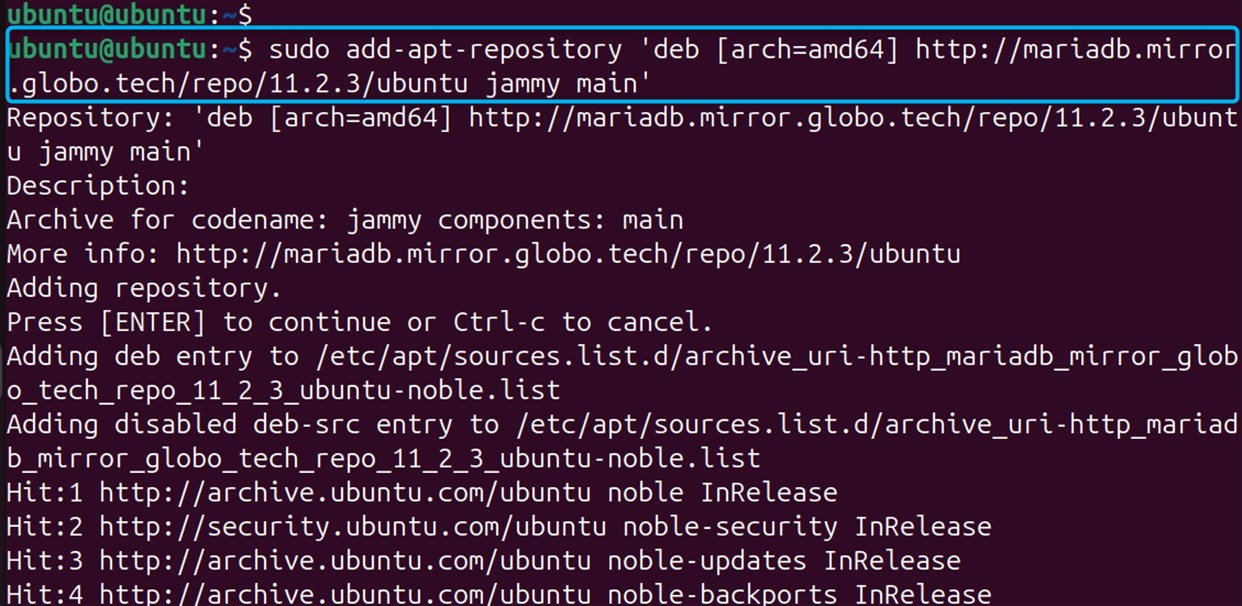
Note: If your Ubuntu release has a different codename, you could replace the “jammy” in the repository line. If the codename isn't tacked on to the name by default, replace $(lsb_release -cs) with the codename of the Ubuntu version you have installed.
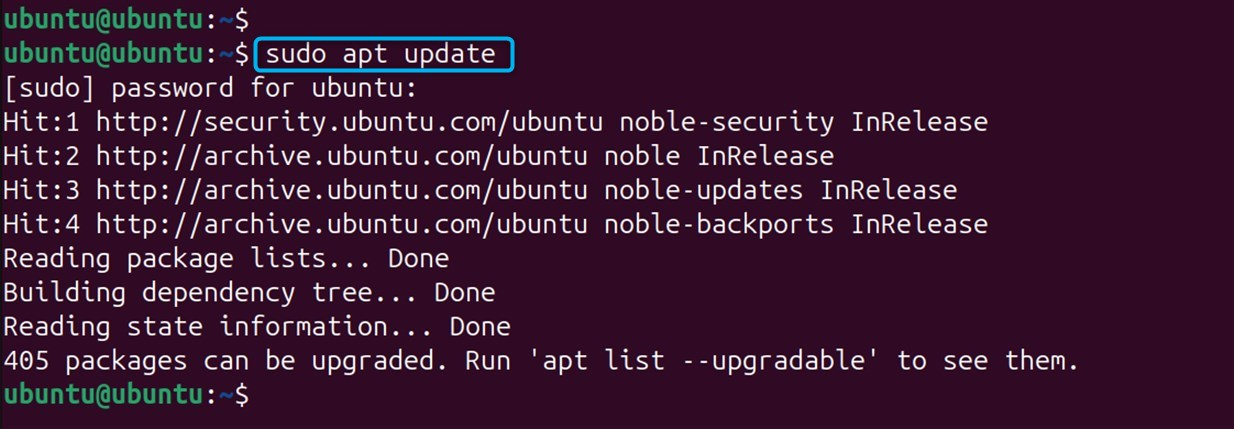
Step 5: Update Packages List
To install MariaDB from the included repository, you need to update your package's indexing.
Step 6: Install MariaDB Server
Now it is available to download the MariaDB server and client packages from the MariaDB official repository.
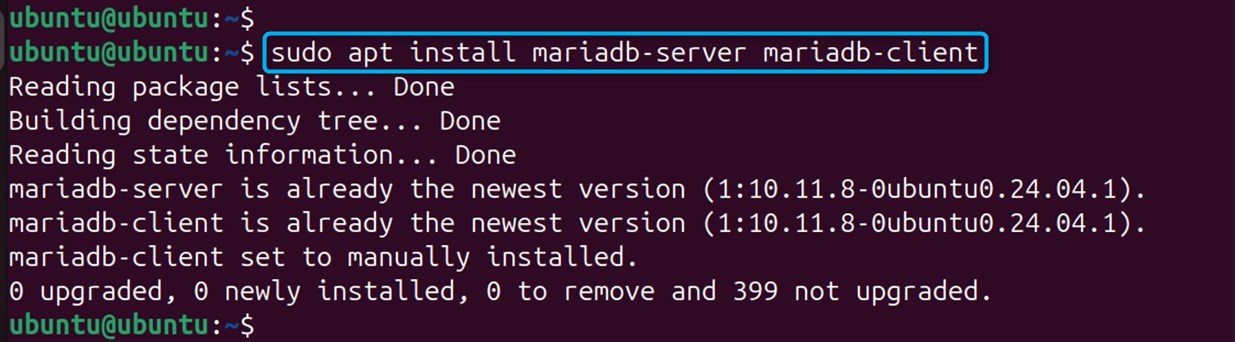
Step 7: Secure MariaDB Installation (optional but recommended)
In this step, execute the fellow script. The next shortcode will ask the user for more security options:
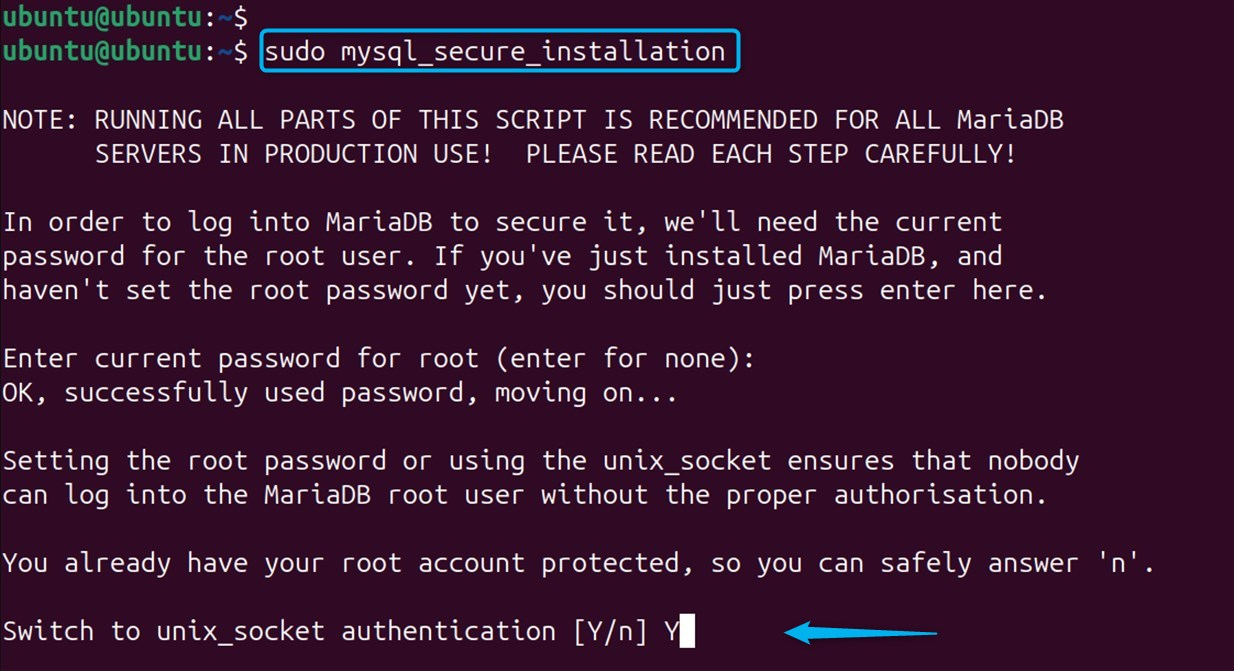
Step 8: Verify Installation
And check that MariaDB runs properly after installation. In order to achieve that, you will first need to check the MariaDB service status:
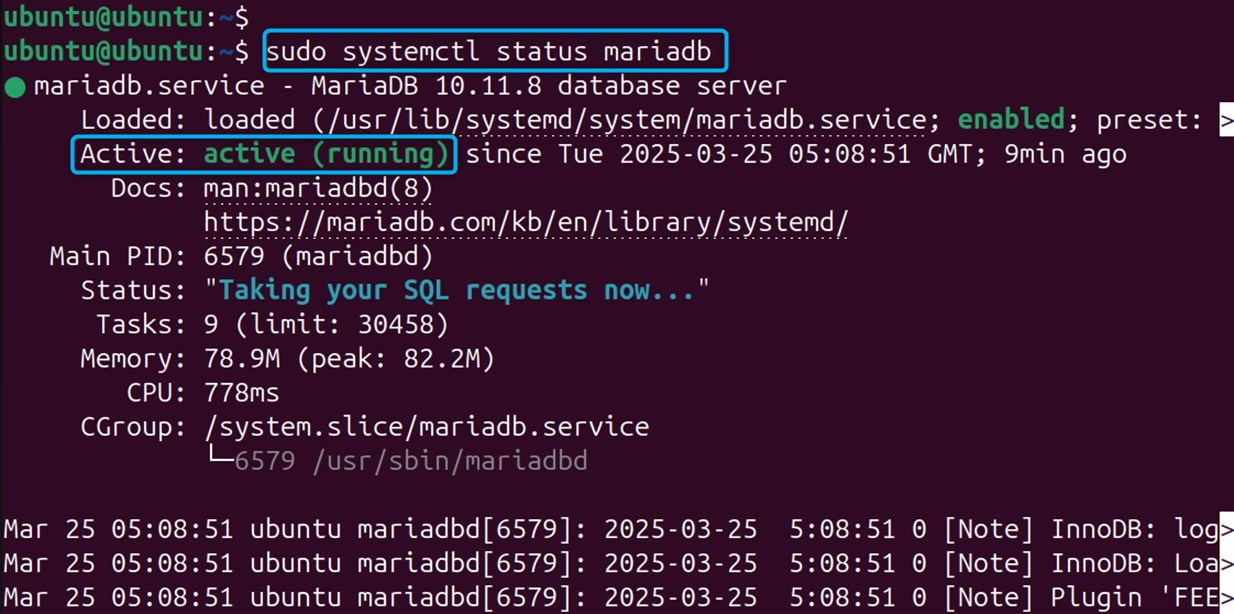
Alternatively, the users can connect to MariaDB using the mysql command below.

That's it for this method of installing the latest version of MariaDB.
How to Uninstall MariaDB on Ubuntu 24.04 VPS?
To remove MariaDB in Ubuntu 24.04 VPS, users can use the “auto-remove” to run the command as the example below:
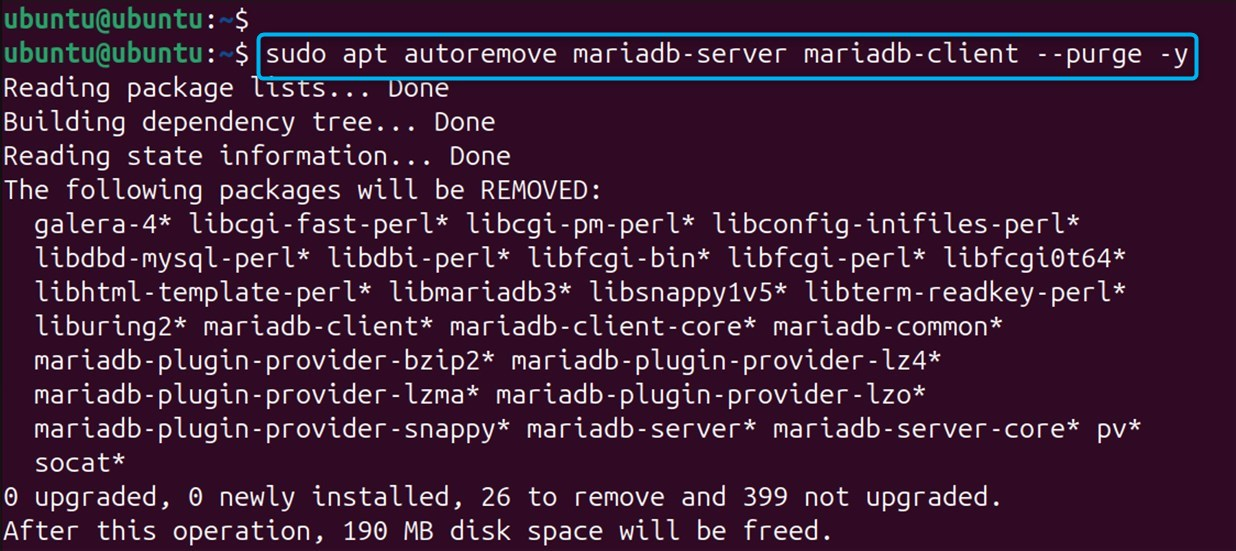
This removes the server parts as well as the client parts of MariaDB.
Conclusion
On Ubuntu 24.04 VPS, MariaDB can be installed, updated to your package index: sudo apt update. Install the mariadb with this line: sudo apt install mariadb. Afterwards, check to confirm that there exist indeed binaries on your system that are running. However, if you wish the system to be secure, then it needs to be run “mysql_secure_installation” after installation is complete, once MariaDB is configured.
To install the latest version of MariaDB on Ubuntu 24.04 VPS, first you should add the repository for MariaDB and then install the following packages, mariadb-server and mariadb-client, to be able to use them. To log in or start MariaDB, simply type the command “mysql -u myuser -p” as root to begin. Then type the user's password. This is how users are able to create some tables, add some data, and run SQL on a table in the database.
If you’re planning to launch an online project and need High-Performance VPS, get in touch with us — our experts will provide a tailored solution that fits your goals and requirements.
